Engine actions
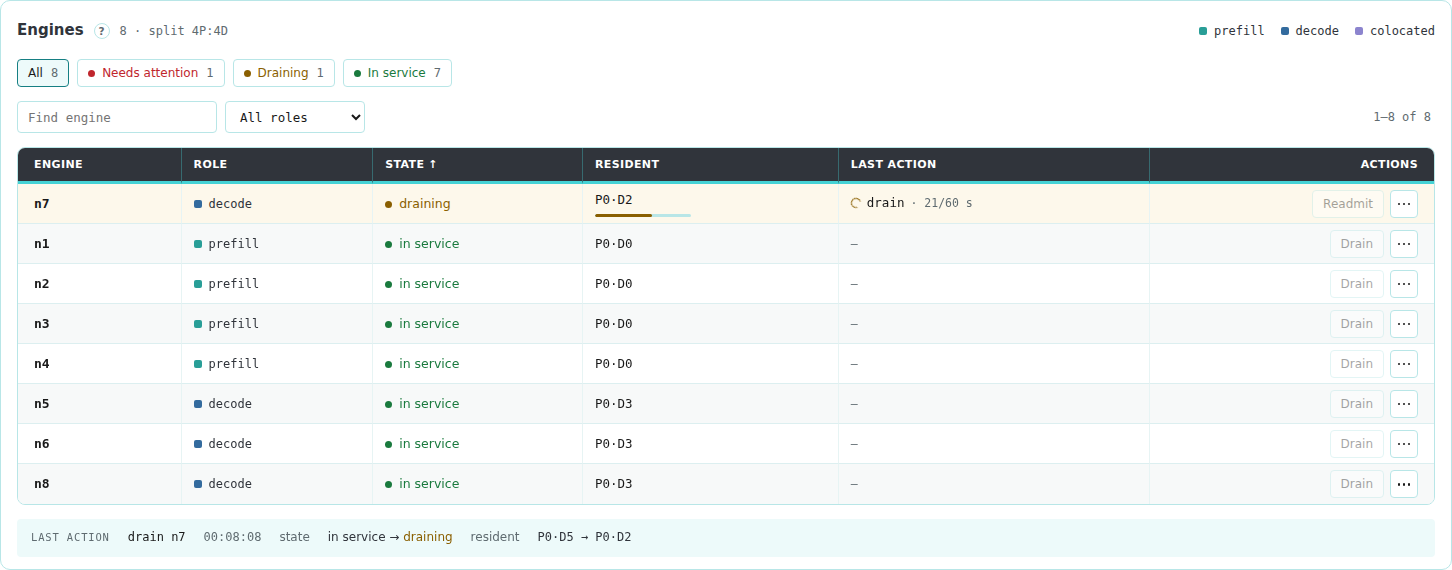
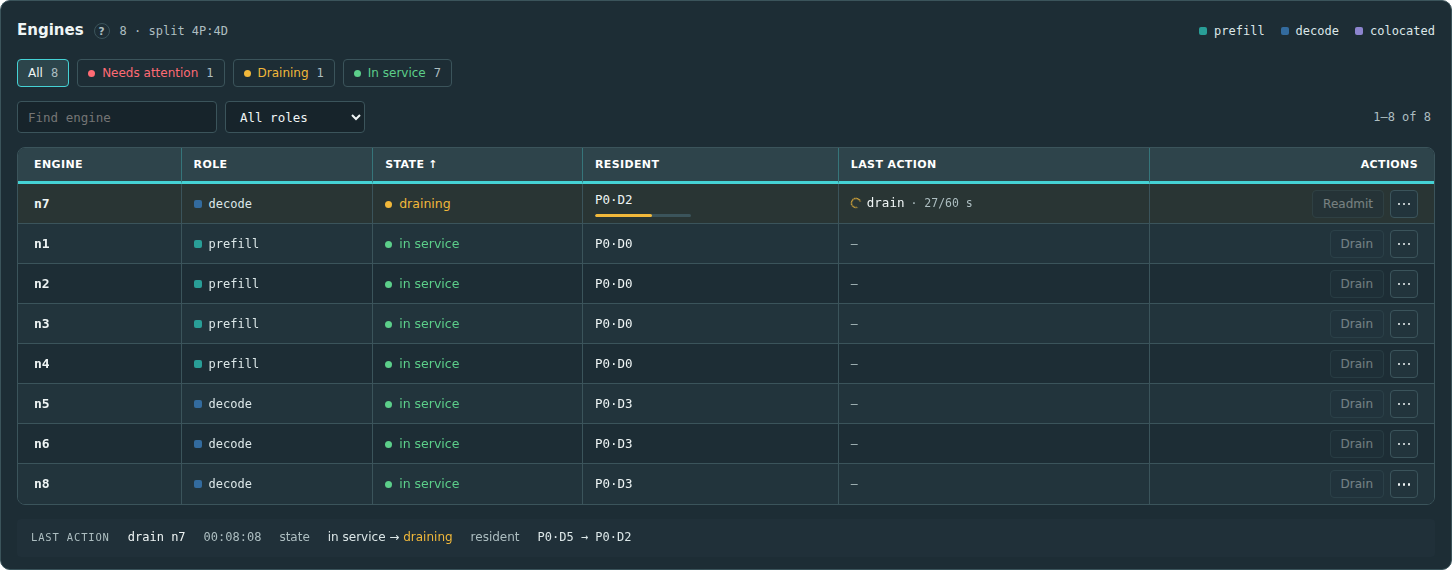
The Engines view lists each engine in the baseline fleet configuration with its role, router state, resident requests and last action. Its heading shows the prefill-to-decode split of the engines in service, such as split 2P:6D.
Find an engine
The list sorts engines by state, most severe first: ejected and blocked engines, then quarantined, draining, drained and probation engines, then paused and stopped engines, then engines in service. Click a column heading to sort by that column, and click it again to reverse the order.
To narrow the list:
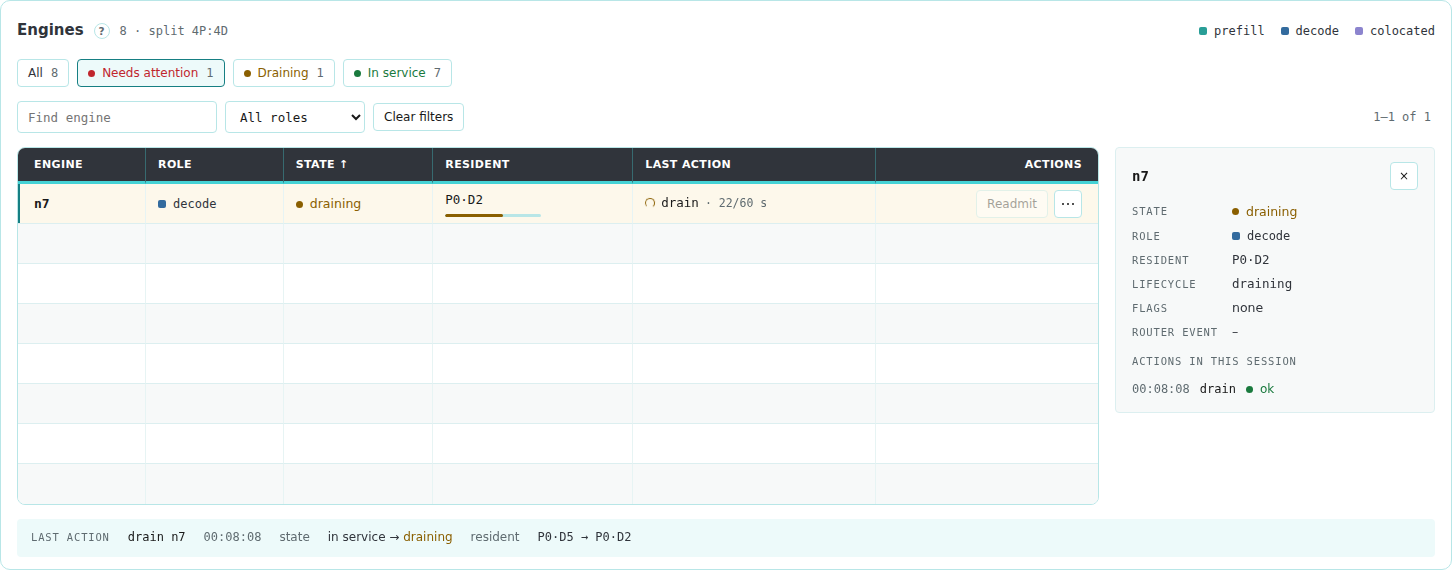
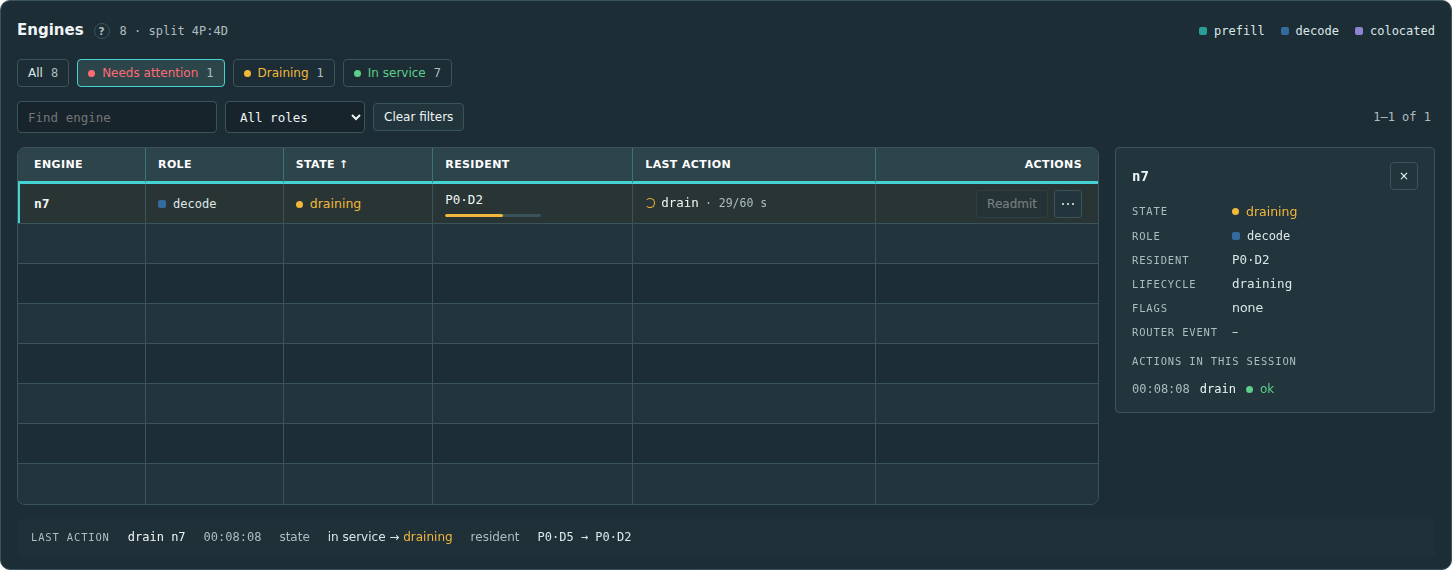
- Click a state above the list, such as Draining, to show only engines in that state. Needs attention shows every engine that is not in service. Click the state again to show all engines.
- Type part of an engine ID in Find engine.
- Choose a role in All roles.
Clear filters removes all three. When the fleet has more than 10 engines, the list splits into pages; choose 10, 20, 50 or 100 engines per page.
Click an engine ID to open its details beside the list: its state, role, resident requests, router lifecycle state and flags, the router's reason when the engine is ejected, and the engine's actions in this session.
What each action does
| Action | Effect |
|---|---|
| Pause | Runs the engine_pause hook |
| Resume | Runs the engine_resume hook, then waits until the router returns the engine to service |
| Stop | Runs the engine_stop hook |
| Start | Runs the engine_start hook, then waits until the router returns the engine to service |
| Drain | Calls the router's POST /narwhal/lifecycle/drain. The router stops placing new requests on the engine and waits for its resident requests to finish |
| Readmit | Calls the router's POST /narwhal/lifecycle/readmit for a drained engine |
Each row has a main button for the engine's current state and a … menu with the other actions:
| Engine state | Main button |
|---|---|
| Paused in this session | Resume |
| Stopped in this session | Start |
| Draining, drained or blocked | Readmit |
| Ejected by the router | Readmit, disabled. The tooltip gives the router's reason |
| In service | Drain |
Start and Resume wait up to router.timeout_s, 600 seconds by default. While they wait, the engine's state reads starting or resuming with the seconds waited. The action fails if the engine stays ejected or quarantined for the whole wait, the router blocks its readmission, or the engine needs fresh profiles. To fix a failed action, follow Start fails and the engine stays ejected.
The console asks for confirmation before Pause, Stop and Drain. A drain uses Drain deadline from the session strip, or the router's default of 300 seconds when that field is empty or 0. During a drain, a bar under the engine's resident requests shows the drained fraction.
When an action is disabled
A disabled action shows the reason in its tooltip or under the menu item.
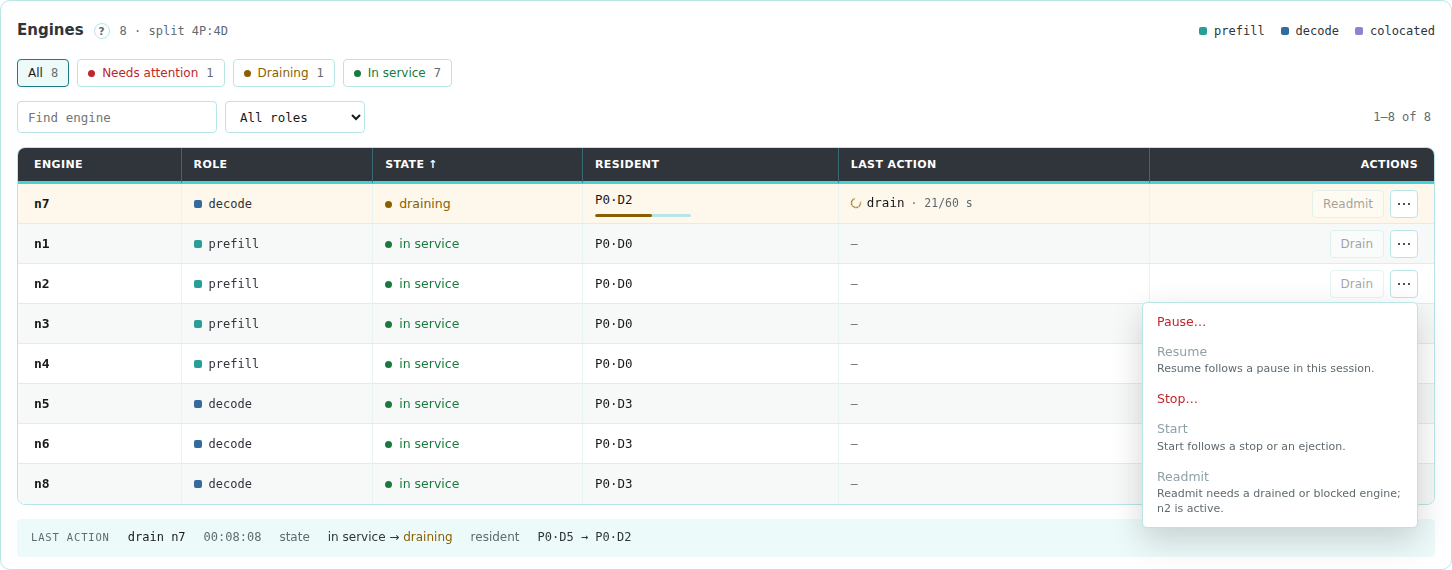
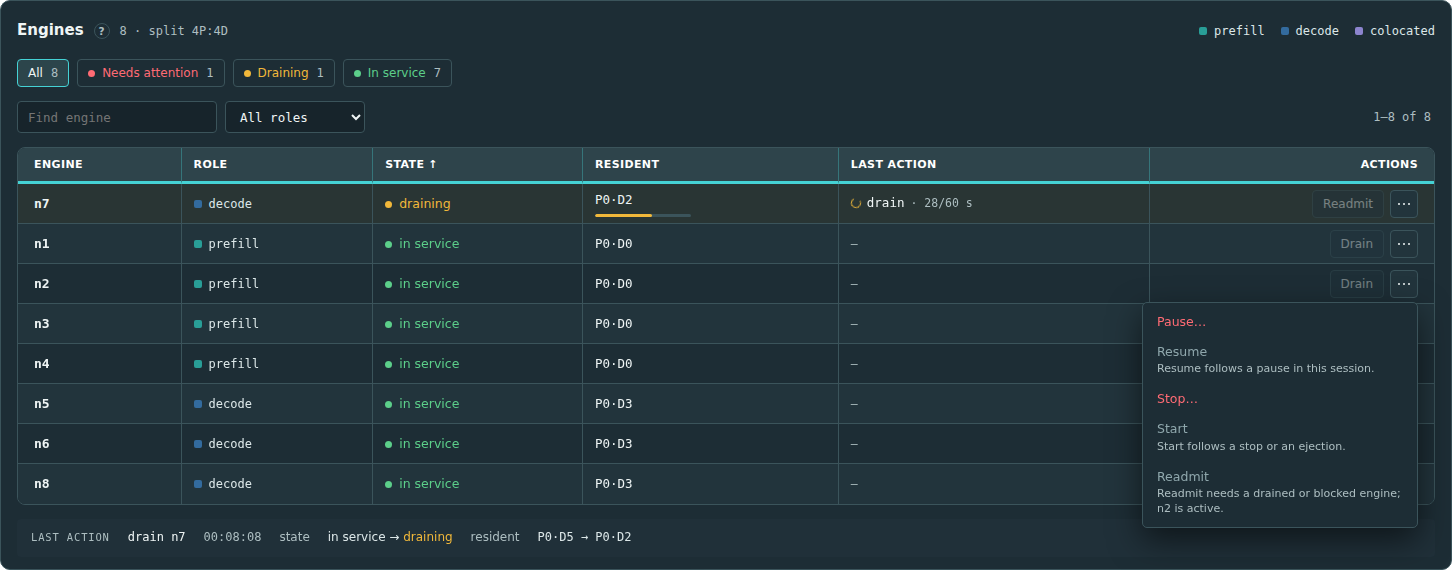
- Pause, Resume, Stop and Start require their hooks. Resume requires a paused engine, and Start a stopped or ejected engine.
- Drain requires an engine in service. The router runs one drain or readmit at a time.
- The router readmits an ejected engine itself once its checks pass, so Readmit stays disabled for it. The tooltip shows the router's latest lifecycle event for the engine. When that event is
profile_recovery_blocked, the engine's state readsneeds profiles. - Readmit requires a drained or blocked engine. When this session drained the engine and the router needs it restarted, Readmit stays disabled until Start succeeds for that engine. In every other case Readmit stays enabled, and the router refuses it until the engine restarts. To restart and readmit the engine, follow Readmit stays disabled after a drain.
- All engine actions require an active session and are disabled during an exclusive action.
Paused and stopped engines
The console tracks paused and stopped engines within the session. Restore baseline returns them to service, and a cold restart clears those states.
The Last action line under the table shows the latest engine action and the change in the engine's state and resident requests. The run record holds the engine's full router state before and after each action.