Running a test session
A session is one operator test run. Start a session before any other action.
Start and end a session
Start session validates the baseline fleet configuration and copies it into a new session directory.
End session stops a running load job, copies the session's journal extract and closes the session. The fleet keeps the session's changes, which the confirmation lists. To undo them, select Restore baseline before you end the session.
Session strip
The session strip runs along the top of the console.


| Item | Shows |
|---|---|
| Connection | Connected, Service unreachable or Not connected |
| Admission | Ready when the router admits requests, otherwise Not ready or Unreachable. The tooltip holds the router's reason |
| Alerts | Number of firing Narwhal alerts, red when any has page severity. Requires prometheus_url. The names of the firing alerts follow the count |
| In progress | Actions still running, such as drain n7 |
| Session | Short session ID and start time |
| From session start | Opens the dashboard with its time range starting at the session start |
| Benchmark | The current or last job, its state and its elapsed time |
| Drain deadline | Deadline in seconds for drains started from this tab. Empty uses the router's default |
| Buttons | Start session or End session, Dashboard, which opens the Grafana dashboard in a new tab, Forget token and the theme switch |
Exclusive actions
Session start and end, configuration overlays, cold restarts and baseline restores are exclusive. While one runs, the service refuses every other action with <action> is in progress.
Engine actions and load jobs can run at the same time, so a drain can run during a load job.
Activity
The Activity view lists the session's actions, newest first, with each action's start time, target, duration and outcome. A drain stays in progress until the router finishes it.
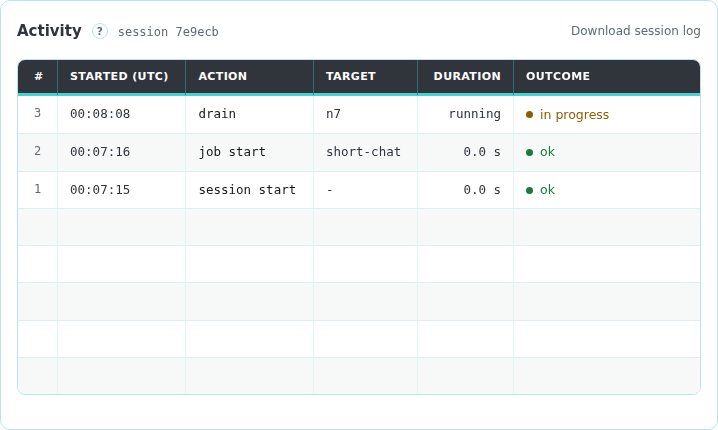
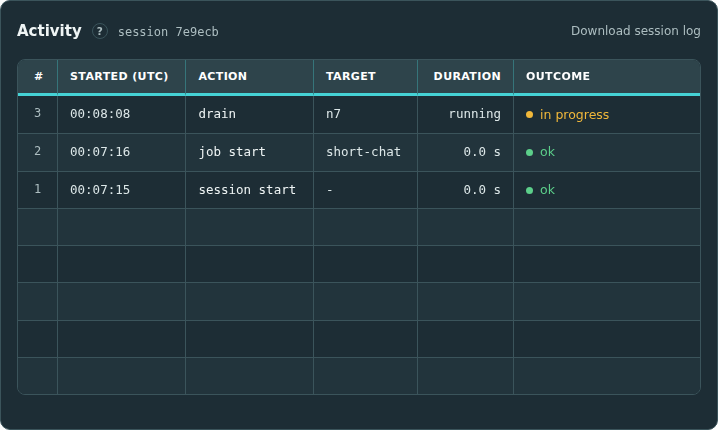
Download session log saves the session's run record as run-<session>.json.